FloorPlanTo3D / FIELD NOTES
Plan furniture on your floor plan before you move
A practical furniture-planning workflow: calibrate the room, use real product dimensions and check movement in both 2D and 3D.
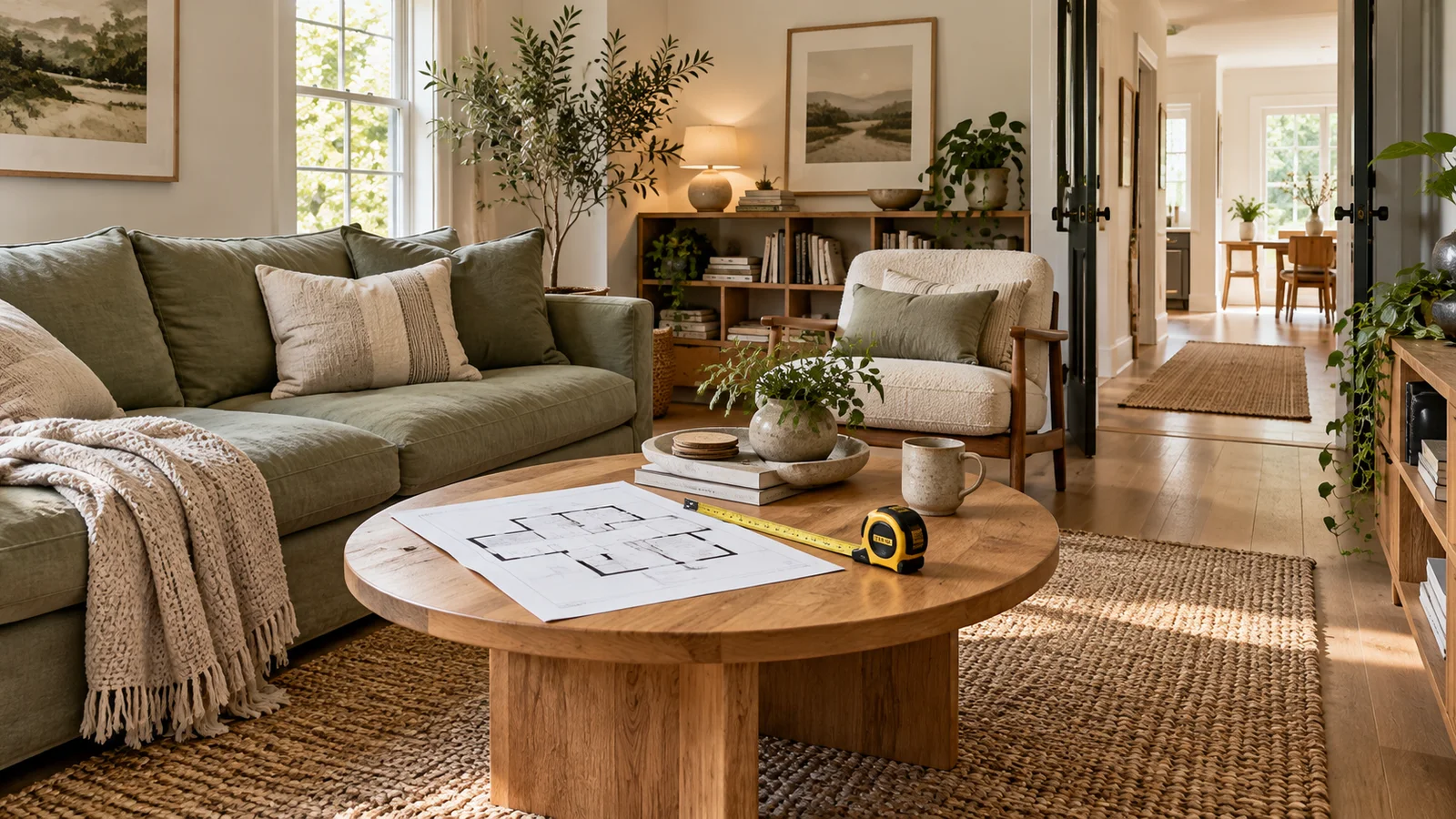
Plan activities before arranging objects
A furniture layout is a plan for using a room. Start by listing the activities it needs to support: sitting together, reading, working, eating, storing belongings or moving through to another room. Then identify what must stay, such as an existing sofa or a desk that needs a nearby outlet. This keeps the layout connected to daily life instead of becoming an exercise in filling empty areas with attractive objects.
Give the activities an order of importance. A living room that also serves as the route to a balcony may need a clear connection more than an additional armchair. A bedroom used for remote work may need a desk position that does not block wardrobe access. When two goals conflict, make that tradeoff explicit rather than forcing every item into a plan that only works when nothing is being used.
1. Build a reliable base and a furniture inventory
Calibrate the floor plan before comparing product sizes. Check the walls and openings that constrain the layout, then note fixed obstructions: columns, radiators, low windowsills or service cupboards. Some may be absent from a sales plan. Add them to your working notes and verify their location before treating the remaining wall space as available for storage or seating.
For each important piece, record overall width, depth and height, not just the named size. A bed sold for a particular mattress can have a larger outer frame. A sofa may have projecting arms, and a dining table may expand. If the available library model does not match the product, use it as a visual stand-in and keep the actual dimensions beside the plan. Do not let a convenient proxy become an unnoticed change to the specification.
Related documentation: IKEA — How to measure and photograph your room
2. Separate the footprint from the space needed to use it
A closed cabinet occupies a footprint. Opening its doors, pulling a drawer and standing in front of it require additional space. The same distinction applies to a dining chair, recliner or sofa bed. Draw or note the operational envelope around the objects that change shape or position during use. Check combinations that occur together, such as a kitchen drawer open while someone passes behind the person using it.
Avoid applying one clearance number to every household and activity. The useful space depends on the task, the person, the product and any applicable project requirements. A route used with a walking aid needs different consideration from a seldom-used gap behind a chair. Use the model to identify the constraint, then confirm the required space with actual users and the relevant product information.
3. Place the largest constraints first
Begin with the bed, sofa, dining table or main desk rather than lamps and decorative furniture. Try positions that respect door swings and fixed services. In a compact room, changing the orientation of the largest item can influence the whole circulation pattern. Check each candidate against the daily activities you listed before adding smaller pieces that make it harder to see the fundamental tradeoff.
Keep one baseline arrangement and test alternatives deliberately. For a living room, compare the same sofa in two positions before changing the sofa size as well. For a bedroom, test whether moving the desk improves access without reducing the useful wardrobe space. A simple comparison note—what changed, what improved, what became worse—helps you choose an arrangement for reasons you can explain later.
4. Use a dimensional budget for tight rooms
Consider a room 3.40 m wide, with a sofa 0.90 m deep against one side and a media cabinet 0.35 m deep opposite. The space between their fronts is 3.40 − 0.90 − 0.35 = 2.15 m. If a table uses 0.60 m of that strip and you allocate 0.40 m between it and the sofa, 1.15 m remains on the other side. These are example assumptions, not universal furniture-clearance recommendations.
Now test where that calculation applies. The table may be offset, a chair may enter the route, or the door may swing into its end. Measure the narrowest actual gap rather than assuming the same width continues through the room. A useful plan includes the local pinch points and the objects that create them. One generous section does not compensate for a blocked doorway elsewhere.
| Item | Depth/length | Remaining span |
|---|---|---|
| Room | 3.60 m | 3.60 m |
| Bed | 2.00 m | 1.60 m |
| Wardrobe | 0.60 m | 1.00 m |
| Open drawer projection | 0.45 m | 0.55 m at that section |
5. Check storage and seating in their open states
In a 3.60 m long bedroom, a 2.00 m bed and a 0.60 m deep wardrobe opposite its foot leave 1.00 m between them, before other projections. If a drawer extends 0.45 m into that gap, only 0.55 m remains in that section while it is open. The arithmetic identifies the question; it does not decide whether that arrangement is suitable for the people using the room.
Inspect the door swing, handles, bed frame and any bedside furniture as part of the same situation. A sliding wardrobe changes one interaction, but it does not remove the need to stand and reach inside. For dining, review chairs occupied and pulled back rather than tucked under the table. For a sofa bed, inspect the full deployed depth and the route needed when it is in use.
6. Review eye-level relationships after the plan works
Once the basic layout is coherent in 2D, inspect it in 3D and from room level. A tall cabinet can block a view or make an entrance feel enclosed even when its footprint fits. Check what is visible from the doorway, whether furniture obscures a window, and how the room connects to adjoining spaces. Note the questions that require a physical sample or site visit rather than expecting the viewport to settle them.
Keep viewing conditions comparable when evaluating alternatives. A wider camera view can make a room seem more generous without changing a single dimension. Look back at the plan whenever visual impressions conflict with measured space. Use the walkthrough to discover issues, and use dimensions and real-world checks to decide whether the proposed solution actually addresses them.
7. Verify delivery and the real product before buying
Fitting the final position is only one part of the problem. Furniture must also reach that position through entrances, corridors, lifts or stairs. Check the manufacturer’s delivery and assembly information, including packaged dimensions and whether parts can be removed. A simple floor plan does not prove that a large object can turn through a doorway or pass under a low stair landing.
For an important decision, mark the proposed footprint on the actual floor with removable tape and simulate opening doors or moving chairs. Keep the approved dimensions and product reference with your layout. FloorPlanTo3D helps compare arrangements and understand spatial relationships; the last check should reconcile the model with the room, the actual furniture and the people who will use both.
Related documentation: IKEA — Measuring the space and access route for a sofa
Common questions
Is a gap that fits in the model necessarily comfortable?
No. Check the activity, the people using it and any moving parts of furniture. A static gap and an operational route are different things; verify the important positions in the actual room.
What if the library object differs from my furniture?
Treat it as a visual proxy and compare its dimensions with the real product. Keep the actual width, depth, height and expanded states in the planning notes.
Should I choose furniture before planning the room?
Record pieces you must retain first. For new purchases, compare dimensioned alternatives within the layout before committing, then verify the chosen product and delivery route.
Put your next idea into your floor plan.
Start with your drawing, or explore the sample to try editing and a 3D walkthrough.
Convert your floor plan →